
HIPAA Series: MFA - Your EHR Vendor Can't Do This One for You
Your EHR almost certainly has multi-factor authentication available. Most modern platforms do. If you called your vendor today, they'd confirm it's enabled, or at minimum, tell you how to turn it on. That's one door secured. The proposed security rule requires all doors secured.
The 2026 HIPAA Security Rule update mandates MFA across every access point to electronic protected health information, not just the EHR. The vendor controls their platform, but everything else is yours: email, remote access, cloud storage, billing systems, practice management software, and any other system where patient data lives or travels. Most organizations have a handful of these covered and a longer list they haven't gotten to.
That gap is exactly what OCR finds when it investigates a breach. In April 2026, OCR announced settlements with four regulated entities following separate ransomware investigations. $1,165,000 in total penalties, covering Axia Women's Health, Assured Imaging, Consociate Health, and Star Group Health Benefits Plan, affecting over 427,000 individuals. Across these cases, OCR found a consistent cluster of deficiencies: inadequate risk analysis, missing or stale business associate agreements, untested backup systems, inadequate logging - and - missing MFA on systems accessing ePHI. These are closed cases under the existing rule and not projected enforcement targets.
What the rule actually requires
The proposed rule requires multi-factor authentication for all user access to any electronic information system that creates, receives, maintains, or transmits ePHI. The language covers both remote and internal access, a user logging in from a workstation inside the office, and a provider checking the EHR from home are both covered by the same requirement.
The NPRM defines MFA precisely: authentication using at least two distinct factors from three categories. Something the user knows (a password or PIN). Something the user has (a phone, a hardware token, or an authenticator app). Something the user is ("fingerprint, facial recognition, gait, typing cadence, or other biometric or behavioral characteristics,") in the rule's exact language. That language explicitly recognizes behavioral biometrics as a valid factor, which matters for clinical environments where fingerprint readers aren't always practical. Two factors from the same category don't qualify; a password and a security question are both "something you know" and don't meet the standard.
The requirement applies to your staff, your contractors, and your vendors with system access. If a third-party IT firm has credentials to your practice management software, MFA applies to those credentials.
There is no "addressable" alternative. Under the old rule, a practice could document that MFA wasn't reasonable or appropriate for its environment. That option is gone from the proposed rule text.
The proof of concept: Change Healthcare
Before getting into where companies typically have gaps, it's worth being specific about what missing MFA actually costs.
On February 12, 2024, an ALPHV/BlackCat ransomware affiliate used stolen credentials to log into a Change Healthcare Citrix remote access portal. The portal had no multi-factor authentication. No second factor stood between a compromised username and password and full network access to one of the largest healthcare payment processors in the country.
The attacker spent nine days moving laterally through the network before executing the ransomware payload. Change Healthcare ultimately paid approximately $22 million in ransom. The breach affected an estimated 192.7 million individuals — the largest healthcare data breach in U.S. history, and roughly 57 percent of the U.S. population. The full cost of the incident, including operational disruption to healthcare providers nationwide who lost access to claims processing for weeks, runs into the billions.
The attack didn't require a sophisticated zero-day exploit. It required one missing security control on one portal. That's the MFA argument, stated plainly.
Where the gaps actually are
The EHR is the most visible system in a practice, and usually the first place MFA gets deployed. The gaps are almost everywhere else.
Email. Phishing is the most common initial access vector in healthcare data breaches, accounting for 16 percent of reported incidents as of 2025, according to HIPAA Journal's breach data analysis. Email is how most healthcare ransomware attacks begin: a credential is compromised, the attacker logs in, and the breach expands from there. If your practice's email accounts don't require MFA, you've left the most exploited entry point unprotected. Turning on MFA for Microsoft 365 or Google Workspace is a configuration change, not a procurement project, but most programs haven't done it.
Remote access and VPN. Any provider or staff member logging in remotely — from home, from a mobile device between appointments, from a hotel during a conference — is accessing ePHI over a connection your practice doesn't control. MFA on the VPN or remote desktop gateway is the control that determines whether a stolen password becomes a breach or just an inconvenience. The Change Healthcare attacker didn't need to bypass a VPN. There was no second factor to bypass.
Cloud storage. Patient files saved to Google Drive, Dropbox, SharePoint, or similar platforms are ePHI regardless of how informally they got there. Cloud platforms generally support MFA natively. Whether it's configured and enforced is a separate question.
Patient portal admin tools. The administrative backend of your patient portal — where staff manage communications, schedule messages, and handle account issues — typically runs on different credentials than the patient-facing side. If those admin credentials don't have MFA, one compromised password reaches every patient communication in the system.
Practice management and billing software. Scheduling, billing, insurance verification — these systems hold ePHI and are regularly accessed by staff and external billing vendors, clearinghouses, and revenue cycle staff at outside firms. MFA applies to all of them.
Single sign-on, misconfigured. SSO can simplify user experience and centralize authentication management, but it's not a substitute for MFA. If your SSO provider isn't configured with a required second factor, you've built a single point of failure: one compromised SSO credential reaches every connected system simultaneously. SSO plus MFA is the right architecture. SSO alone is not.
The breach math
Sophos's 2024 State of Ransomware report, based on surveys of 402 healthcare IT professionals, found that 67 percent of healthcare organizations were hit by ransomware that year, the highest rate of any sector tracked. The average ransom demand in healthcare was $5.7 million. IBM's 2024 Cost of a Data Breach Report put the average total breach cost in healthcare at $9.77 million, the highest of any industry for the 14th consecutive year, when you factor in remediation, notification, regulatory response, and operational disruption.
MFA doesn't prevent every attack, nothing can. But MFA does dramatically increase the barrier cost and difficulty of credential-based entry. An attacker who obtains a username and password through phishing and encounters an MFA prompt either needs a second factor they don't have, or needs to deploy additional tools like social engineering, SIM swapping, real-time phishing proxies, that raise the cost and complexity of the attack and create additional detection opportunities.
OCR has stated this plainly in enforcement guidance: the absence of MFA in organizations hit by ransomware is treated as evidence that security controls were inadequate, contributing to HIPAA liability. The attack reveals the pre-existing compliance failure.
The implementation challenge
Turning on MFA at the platform level is usually a configuration change. Rolling it out across a practice requires more planning than that - especially a multi-provider group with mixed device environments.
Clinical workflow friction. In high-volume clinical environments, authentication steps that cost 30 seconds add up. Shared workstations in exam rooms create questions about per-session authentication versus persistent login. These are real concerns that need practical solutions, not workarounds that create new gaps. Hardware tokens or biometric authentication are worth evaluating for high-friction environments; they reduce friction while meeting the standard.
Personal device access. Providers checking the EHR on a personal phone are common. If the device isn't enrolled in mobile device management and doesn't require MFA for EHR access, personal devices represent a policy gap that needs to be addressed specifically.
Vendor and contractor access. Third-party IT support, billing services, and consultants with system access need to be part of your MFA rollout plan. Their access to your systems is your compliance responsibility, not theirs alone.
Staff training. Authenticator apps are not universally intuitive. A rollout without training produces workarounds — shared phones, bypassed authentication steps, IT help desk tickets. A brief training session before deployment avoids most of these.
What to do now?
Inventory every system that accesses ePHI first. You can't close gaps you haven't mapped. This inventory is also required under the proposed rule's risk analysis standards, so it's work you're doing regardless.
For each system, determine whether MFA is available and whether it's configured and enforced. "Available" isn't enough. MFA that's optional doesn't meet the requirement.
Choose a consistent second-factor approach. Deploying one authenticator app across all systems, Microsoft Authenticator and/or Duo are widely used in healthcare, reduces staff friction and simplifies IT management. Avoid SMS-based one-time codes as your primary factor where possible. NIST's July 2025 update to SP 800-63B formally classifies SMS OTPs as "restricted authenticators," a new designation that comes with additional obligations and signals NIST's direction. SMS codes are vulnerable to SIM swapping and real-time phishing proxies; authenticator apps and hardware tokens are meaningfully more secure.
Deploy in phases if needed, starting with the highest-risk access points: email, remote access, and EHR. Document each phase: what was deployed, when, and who's covered because OCR will want this record.
Address vendor and contractor access as part of the same project. If your BAAs don't currently require vendors to implement MFA, that's an update you'll need to make regardless. The proposed rule's BA agreement requirements address exactly this.
The compliance deadline depends on when the final rule publishes, but approximately December 2026 if it comes in the coming months. MFA deployment takes weeks to months for a full rollout across a practice. Starting now means finishing before the deadline. Starting after a breach means starting after OCR is already on your doorstep.
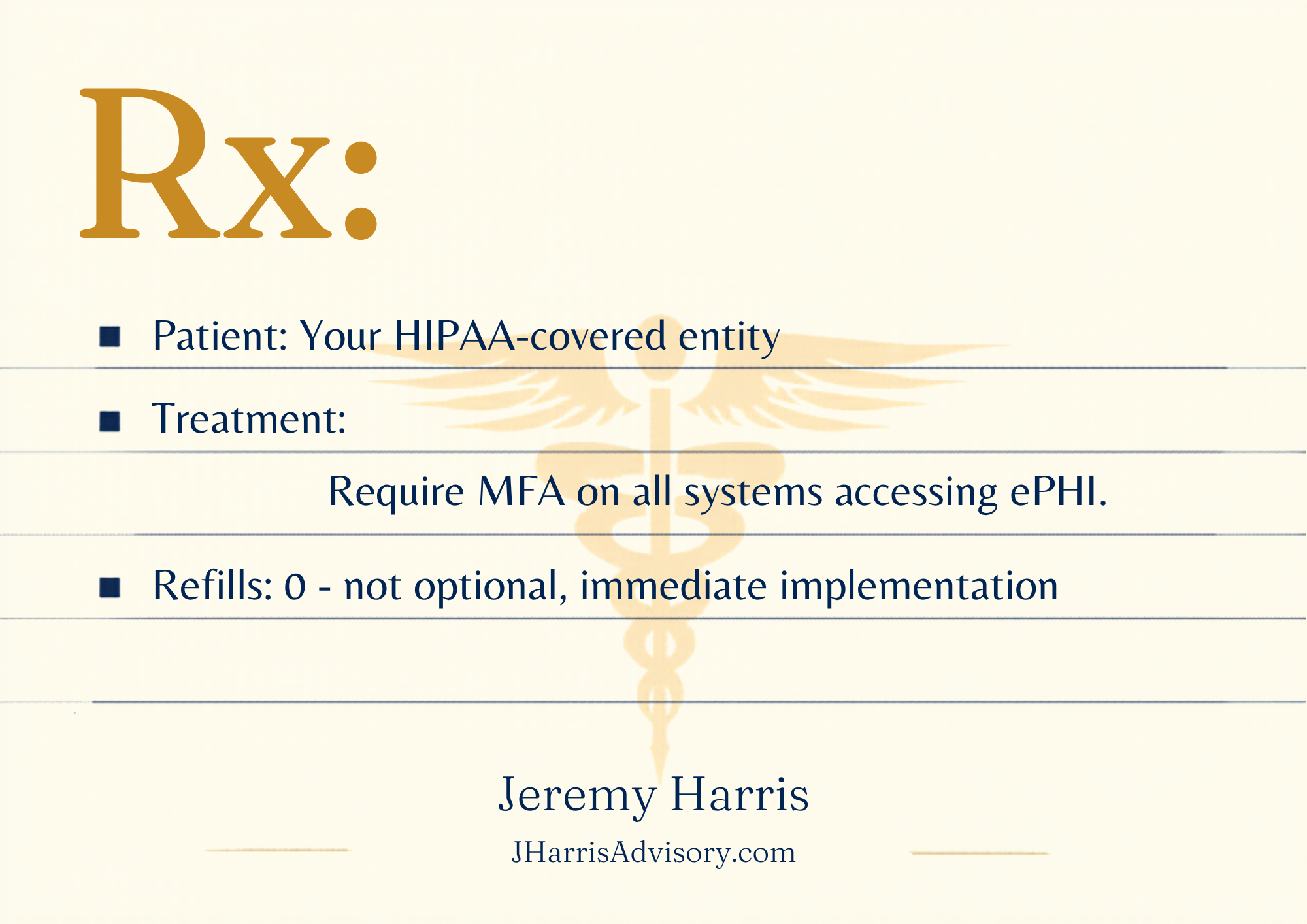
Next in this series: encryption. For 20 years, entities could document their way out of it. That option is gone now and the gaps are usually in places organizations don't expect.
If you want to work through your MFA gap analysis, schedule a consult @ https://jharrisadvisory.com/contact.
For the full picture — proposed changes, readiness plan, and toolkit — see our HIPAA Security Rule NPRM guide